

Visual Routines

Adding a New Step to an Existing Routine without breaking the whole thing.

You added one step to a routine that was working perfectly, and now the entire sequence has fallen apart. One change, total collapse.

Free 7-day trial · No email or credit card to start · Built by an autism dad and a licensed SLP

Why it works here

Why a visual routine helps with adding a new step to an existing routine

A learned routine is a single chunk rather than a list, which is why inserting into the middle disrupts far more than the new step alone. Adding at the end, and adding one at a time, preserves the chunk your child already knows.

You will recognize this if

  • A working routine broke immediately after you changed it.
  • Your child now hesitates at steps they had mastered.
  • You added more than one thing at once.
The setup

How to set it up for adding a new step to an existing routine

Takes about five minutes. Use it as written, or keep only the steps your family needs. A short setup that gets used beats a complete one that gets abandoned in week two.

  1. 1 Add at the end wherever the order allows it, not in the middle
  2. 2 Add one step and then wait two weeks before adding another
  3. 3 Tell your child the routine is changing before it changes
  4. 4 Show the new version before the first time it runs
  5. 5 Prompt only the new step, and leave the rest completely alone
  6. 6 Remove the addition if the whole routine is still wobbling after two weeks
The mistake most families make

Inserting a step in the middle of a well-learned routine disrupts the whole sequence, because your child learned the order as one thing rather than as separate items.

In the app

Built into the routine, not bolted onto it.

The Visual Routines lives inside the same routine your child already follows, so adding a new step to an existing routine is a step with a visible length rather than a separate tool somebody has to remember to open.
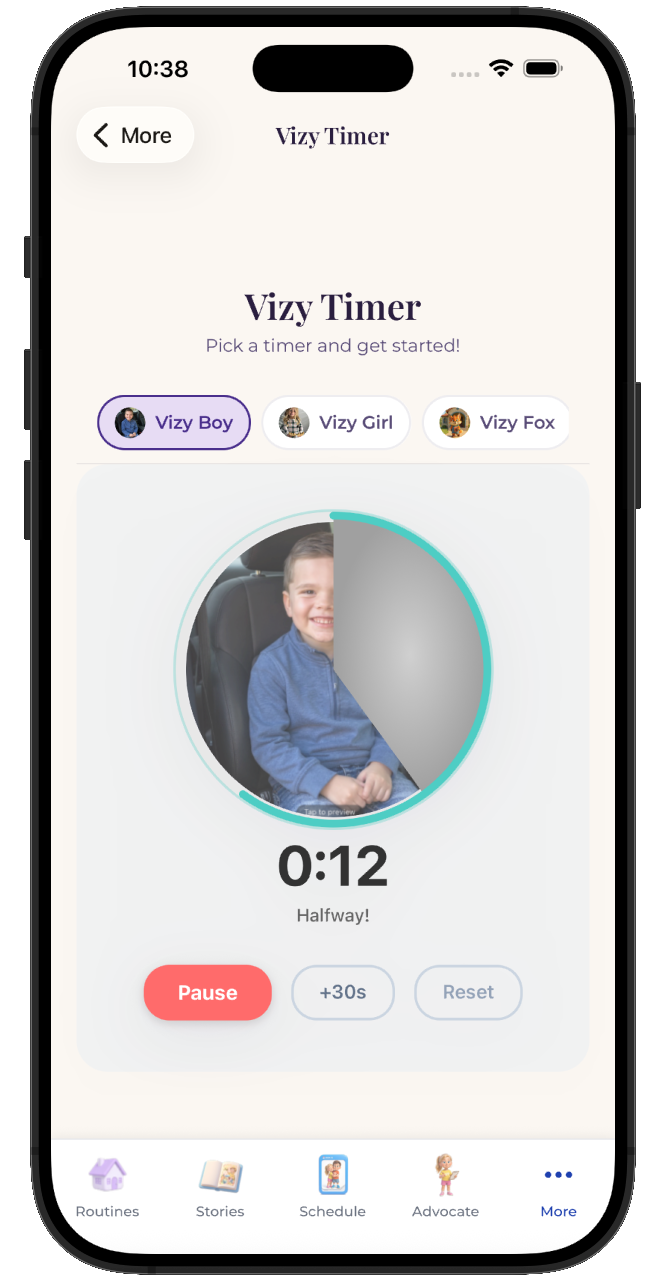
  • Attach it to any step in any routine
  • Works for pre-readers, gestalt language processors, and AAC users
  • Same setup at home, at school, and in therapy
See the step-by-step guide →
The VizyPlan Visual Routines set up for adding a new step to an existing routine

Set this up for your child.

Five minutes to build, and your child sees it every time adding a new step to an existing routine comes around.

$6.99/month after the free trial · Cancel anytime · Also at app.vizyplan.com

Common questions

About adding a new step to an existing routine

Why did one small change break everything?
Because a learned routine is stored as a single chunk. Changing the middle disrupts the chunk, not just the step you altered.
How long should I wait between additions?
About two weeks, or until the new step runs without prompting. Stacking changes makes it impossible to tell which one caused a problem.
Can I ever insert mid-routine?
Yes, when the order genuinely requires it, and expect a re-learning period. Tell your child in advance and prompt only the new position.

VizyPlan supports routines and communication at home and school. It is not a medical device and does not diagnose or treat any condition. Talk to your child's care team about clinical questions.