
Visual Routines

Choosing Photos for a Routine so your child recognizes the step instantly.

You used the stock icons because they looked tidy, and your child keeps asking which step is which. The icons are clear to you and ambiguous to them.

Free 7-day trial · No email or credit card to start · Built by an autism dad and a licensed SLP

Why it works here

Why a visual routine helps with choosing photos for a routine

A photo of your own bathroom is unambiguous in a way a generic drawing of a bathroom is not. Recognition does part of the interpretation, which means less working memory spent decoding the routine and more available for actually doing it.

You will recognize this if

  • Your child asks which step is which.
  • They look at you rather than the routine when unsure.
  • The routine works at home and not anywhere else.
The setup

How to set it up for choosing photos for a routine

Takes about five minutes. Use it as written, or keep only the steps your family needs. A short setup that gets used beats a complete one that gets abandoned in week two.

  1. 1 Photograph your actual rooms, objects, and child rather than using stock art
  2. 2 Frame each photo so only the relevant object is in it
  3. 3 Shoot from roughly your child's eye height, not yours
  4. 4 Keep lighting and angle consistent across the whole routine
  5. 5 Never change a photo once your child has learned it
  6. 6 Reshoot the whole set together if your home or your child changes significantly
The mistake most families make

Swapping in a better photo for one step resets your child's recognition of it, because the specific image has become the label. Consistency beats quality here.

In the app

Built into the routine, not bolted onto it.

The Visual Routines lives inside the same routine your child already follows, so choosing photos for a routine is a step with a visible length rather than a separate tool somebody has to remember to open.
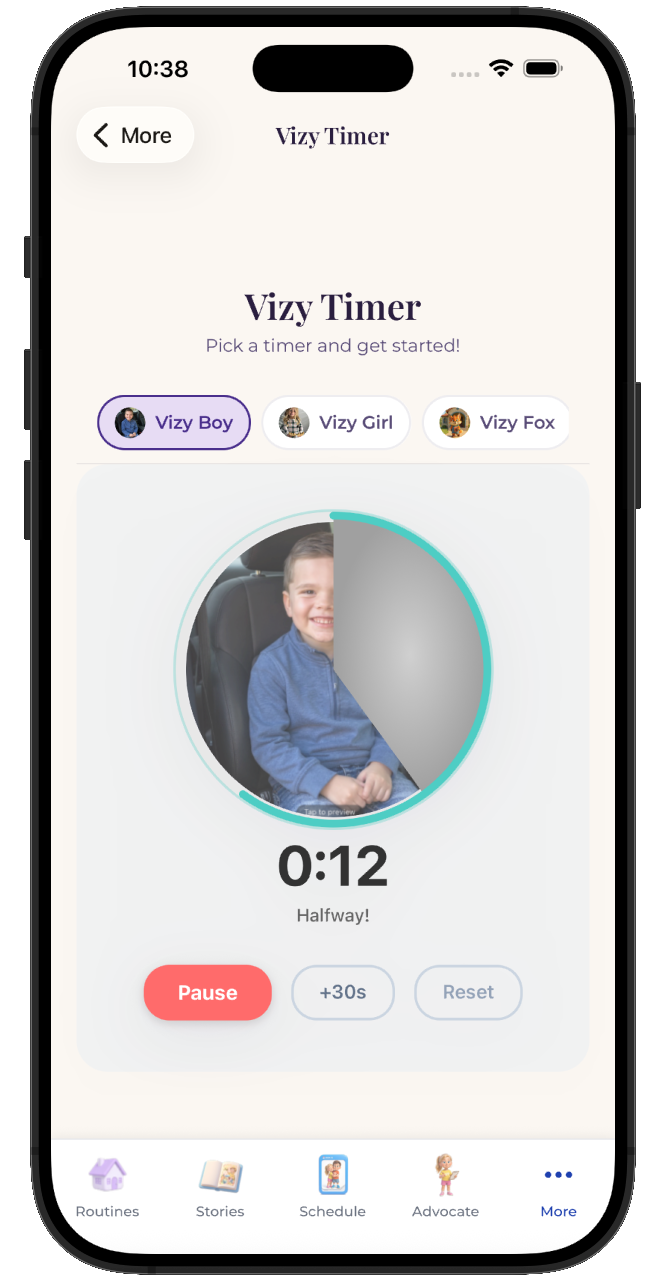
  • Attach it to any step in any routine
  • Works for pre-readers, gestalt language processors, and AAC users
  • Same setup at home, at school, and in therapy
See the step-by-step guide →
The VizyPlan Visual Routines set up for choosing photos for a routine

Set this up for your child.

Five minutes to build, and your child sees it every time choosing photos for a routine comes around.

$6.99/month after the free trial · Cancel anytime · Also at app.vizyplan.com

Common questions

About choosing photos for a routine

Photos or icons?
Photos of your child's actual world, wherever you can. The gap between a generic drawing of a kitchen and your kitchen is much larger from a child's vantage point than an adult's.
Should my child be in the photos?
Where possible, yes. Children generally attend longer to images of themselves than to images of anyone else, which is the whole reason personalization is worth the setup.
When should photos be updated?
When they stop matching reality, such as a new bathroom or a visibly older child. Otherwise leave them alone.

VizyPlan supports routines and communication at home and school. It is not a medical device and does not diagnose or treat any condition. Talk to your child's care team about clinical questions.