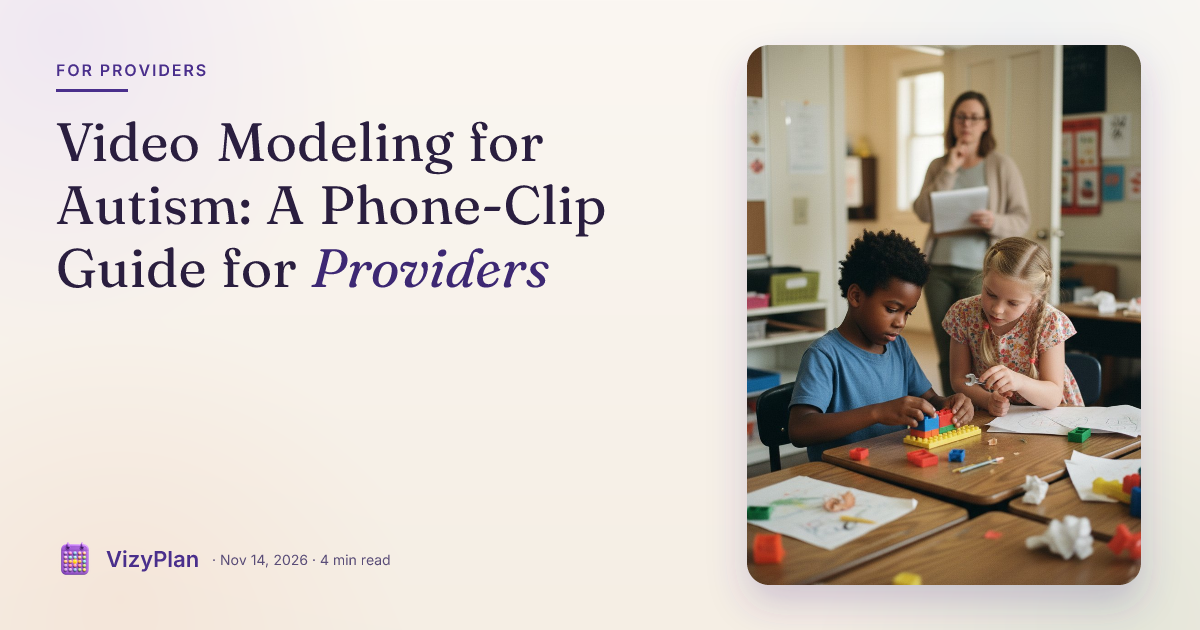
Video modeling for autism is one of the few evidence-based practices you can run with equipment already in your pocket. A thirty-second clip of a peer ordering lunch, a hand washing routine filmed from the client's own eye level, or your client successfully greeting a friend can do quiet work between sessions that a handout rarely does.
Plenty of clinicians like the idea and never quite start, because filming feels like a production and privacy feels like a minefield. Neither has to be true. Here is what the research supports, which type of clip fits which goal, and how to film, protect and share one this week.
What the evidence says about video modeling for autism
The National Clearinghouse on Autism Evidence and Practice (NCAEP) 2020 evidence-based practices report, led by Steinbrenner and colleagues, lists video modeling as an evidence-based practice. According to the AFIRM video modeling brief built on that review, the practice met criteria with 95 single case design studies and 2 group design studies, with positive effects from early intervention through young adults aged 19 to 22. Outcome areas include communication, social, play, joint attention, adaptive and self-help, motor, behavior and vocational skills. That span covers most of what SLPs, OTs and BCBAs target every week.
The AFIRM brief adds a practical note: video modeling for autism works best paired with prompting and reinforcement. The clip sets the target. Your prompting and reinforcement still do the teaching.
An earlier meta-analysis by Bellini and Akullian (2007) in *Exceptional Children* pooled 23 single-subject studies of children and adolescents aged 3 to 21. Both video modeling and video self-modeling met the authors' criteria for evidence-based practice for social-communication, functional and behavioral skills, and gains were maintained over time and transferred across people and settings. Transfer across settings is exactly the carryover problem most of your caseload faces.
Four types of video modeling for autism
The AFIRM brief describes four types. Picking the right one matters more than production quality.
- Basic video modeling. A peer or adult performs the skill correctly. Good for social scripts, play sequences and requests your client has not yet produced.
- Video self-modeling. Your client is the model, usually edited so only the successful attempts remain. Clients often watch themselves with real interest, and the clip shows them succeeding.
- Point-of-view video modeling. The camera films from the client's perspective, so the viewer sees hands and materials as if doing the task. Strong fit for OT self-care and fine motor routines, and no one's face needs to be on screen.
- Video prompting. The skill is broken into steps, each filmed separately, and the video pauses after each step so the client can do it before moving on. Useful for longer routines like making a snack or packing a bag.
How to film a video model with your phone
Video modeling for autism does not need special software. A phone, a quiet room and five minutes are enough.
- Pick one target skill. Choose a skill the client is ready for and can attend to on screen. If the routine is long, task-analyze it first and switch to video prompting.
- Choose the type. Use basic modeling for skills the client has not yet shown, self-modeling for skills that are emerging, and point-of-view for hands-on routines.
- Clear the frame. Film against a plain background with good, non-glaring light. Remove clutter, other people and anything that identifies a location.
- Keep it short. A good clip for video modeling for autism runs well under a minute. Film only the skill, start to finish. Use the language you want the client to use, and keep your own narration minimal.
- Trim to the best take. Cut false starts with the phone's built-in editor. For self-modeling, keep only correct responses.
- Show the clip right before practice. AFIRM recommends showing the video just before the client performs the skill, then prompting and reinforcing the attempt.
- Take data and fade. Track performance as you would any intervention, and fade viewing once the skill is steady.
Enjoying this article?
Get practical tips and insights delivered to your inbox — no spam, ever.
Privacy and consent when you film clients
An identifiable video of a client is protected health information. HIPAA's de-identification rule at 45 CFR 164.514 lists full face photographic images and comparable images among the identifiers. Treat every clip as part of the client record.
- Get written consent before you record. Use a form that names what you will film, why, where the clip will be stored, who will see it and how long you will keep it. Uses beyond treatment, such as training or marketing, generally require a separate signed authorization under 45 CFR 164.508.
- Ask the client too. Where a client can express a preference, ask whether they are comfortable being filmed and respect a no.
- Store clips in approved systems. Avoid leaving them in a personal camera roll or a cloud backup your organization has not approved.
- Prefer faceless clips when you can. Point-of-view and hands-only clips carry less risk and often teach the routine just as clearly.
Your employer, school district and state may add stricter rules, so check your organization's policy before your first clip.
Sending clips home for carryover
Video modeling for autism pays off most when families use the clip at the moment the skill is needed: before brushing teeth, before the walk into a birthday party, before a sibling's turn with the toy. Share through your organization's approved, secure channel, and show the caregiver how to play it right before the routine and what to praise afterward.
Our guides to the in-clinic to home generalization gap and the speech therapy carryover gap cover the rest of a home plan. OTs can pair a point-of-view clip with a printed step sequence, as described in our guide to executive function visual sequences.
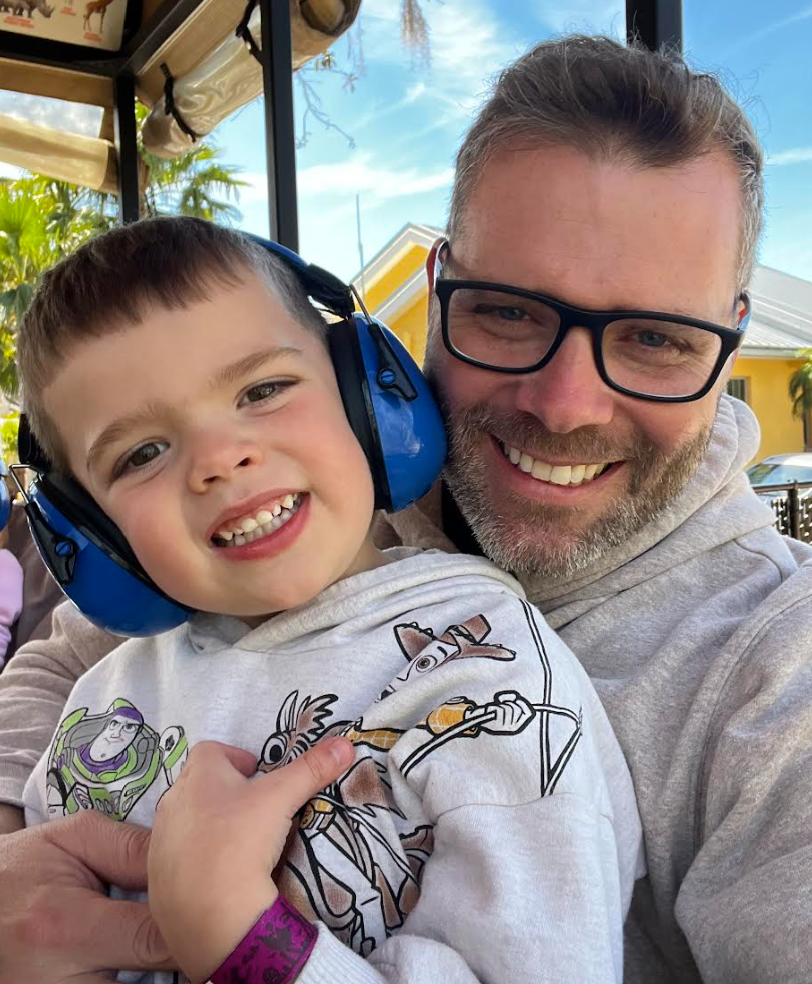
A clip shows how. A visual routine shows when. VizyPlan was built by an autism dad and an autism mom who is a licensed speech-language pathologist so the routine practiced in your session has a clear, picture-based place in the family's day.
Share VizyPlan with your families so the skills your video models teach in session show up in the routines at home. The 7-day free trial lets a family try it first. If it helps, keep going for $6.99/month or $59.99/year.
VizyPlan was built by an autism dad and an autism mom who is a licensed speech-language pathologist who needed something that did not exist. Explore VizyPlan.