Out and About

Going to a Museum with the do-not-touch rule made clear.

Museums are full of fascinating things your child is not allowed to touch, in rooms where voices carry. The rules are everywhere and none of them are written down.

Free 7-day trial · No email or credit card to start · Built by an autism dad and a licensed SLP

Why it helps

Why a visual schedule helps with going to a museum

Museums combine strict unwritten rules with high visual interest, which is a difficult pairing for an impulsive or sensory seeking child. Naming the rules concretely and choosing a short route in advance makes the visit workable.

What usually goes wrong

  • Look but do not touch is a hard rule when the exhibits are designed to draw you in.
  • Echoing galleries make voice volume hard to judge.
  • Museums are large, and the interesting part may be far from the entrance.

A picture-first schedule answers the same three questions every time: what is happening now, what happens next, and when it ends. Children who can see those answers stop needing to ask, and the prompting that usually falls to you moves onto the schedule instead.

The routine

What the schedule can look like

A starting point for a museum visit. Use it as written, or cut it down to the steps your child actually needs. Fewer steps that get finished beat a complete list that stalls.

  1. 1 Look at the museum website and pick two exhibits
  2. 2 Review the touching and voice rules at home
  3. 3 Arrive and get the map
  4. 4 Go to the first chosen exhibit
  5. 5 Use the hands-on area if there is one
  6. 6 Take a break in the lobby or the cafe
  7. 7 Go to the second exhibit
  8. 8 Visit the gift shop and leave

Tip: keep the same order every time. The order is what your child learns, more than the individual steps.

How VizyPlan helps

A schedule your child is actually in.

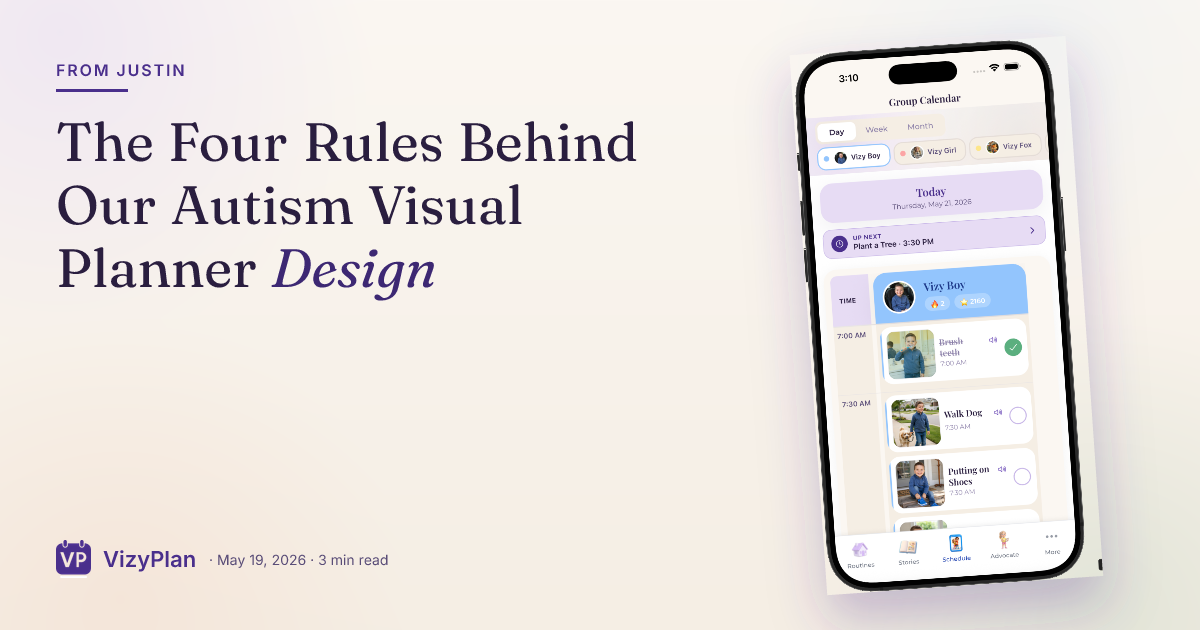
Clip art shows a child. VizyPlan generates images of your child, doing the step, in a routine you built in a few minutes.

01 · Personalized

Every step, with their own face in it.

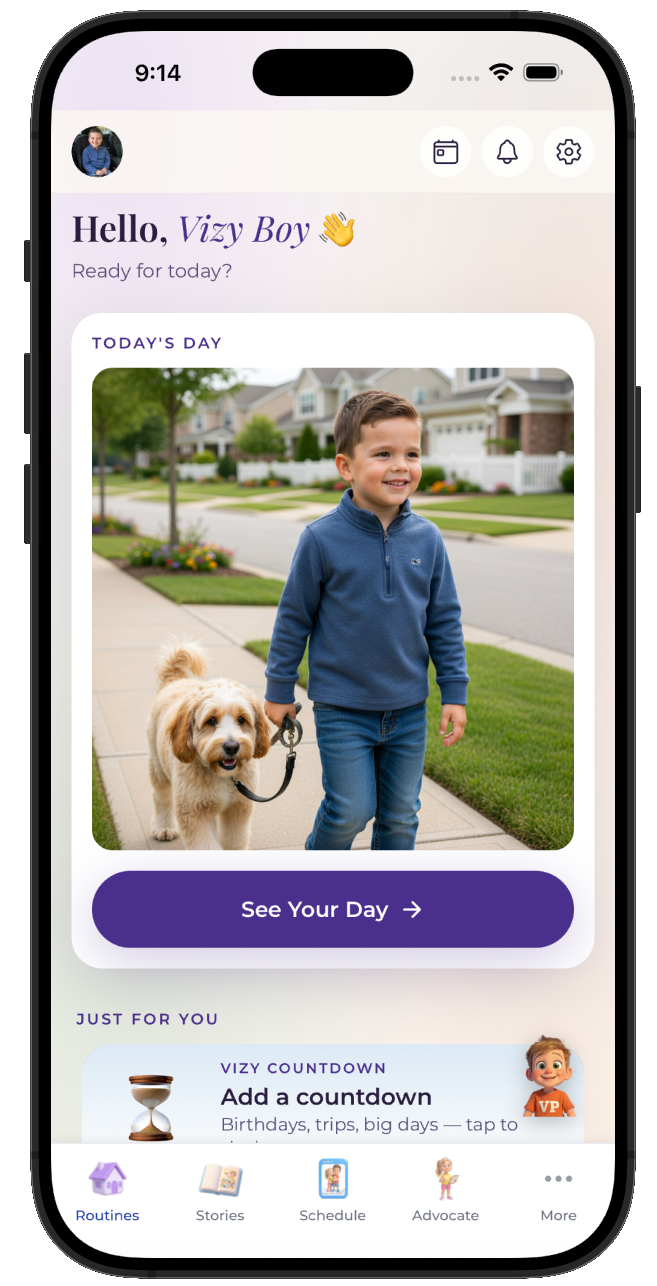
Add one reference photo and VizyPlan generates an image of your child doing each step of a museum visit. Children attend longer to images of themselves than to generic icons, which is the whole reason the personalization exists.
  • Works for pre-readers, gestalt language processors, and AAC users
  • Reference photos are never used to train public AI models
  • Print any routine as picture cards for low-tech settings
A VizyPlan visual schedule for a museum visit
02 · Prepared

A social story before the moment hits.

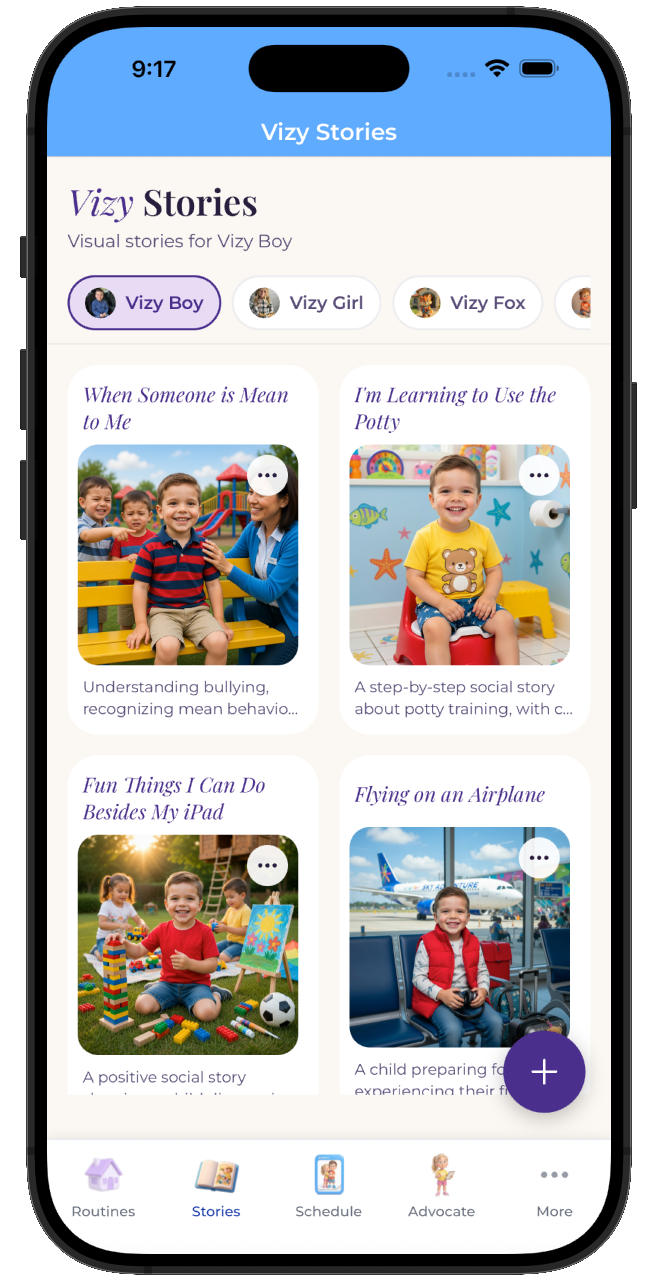
One tap turns a museum visit into a picture-by-picture story your child reads at home, days before it happens. A child who has already seen it arrives prepared rather than surprised.
  • Read it as many times as your child wants beforehand
  • Share it with the other parent, a grandparent, or a provider
  • Edit any page so the story matches your actual plan
A personalized social story preparing a child for a museum visit
03 · Regulated

Timers and calm tools one tap away.

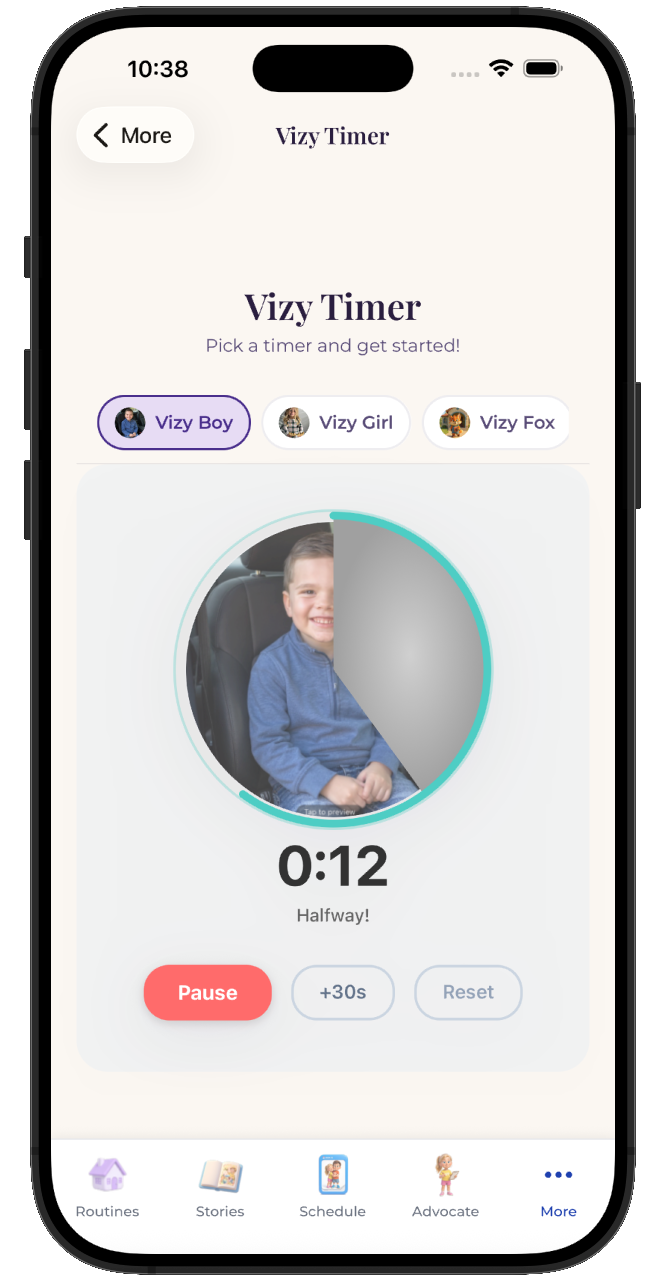
Most of the hard moments in a museum visit are timing problems. A visual timer that depletes on screen makes the ending visible, and breathing and grounding tools are available from any screen when the plan goes sideways anyway.
  • Visual timers and countdowns for every step
  • Breathing, color, and grounding tools built in
  • Points and stickers for the steps your child finished
VizyPlan visual timer counting down a routine step

Make this schedule for your child.

Set up a museum visit in about ten minutes, with images of your own child on every step.

$6.99/month after the free trial · Cancel anytime · Also at app.vizyplan.com

Common questions

About a museum visit

How long should a museum visit be for a child?
Ninety minutes covering two exhibits works better than a full day covering everything. Ending while your child is still interested is what makes them want to return.
Do museums have sensory friendly hours?
Many do, including early openings with lower lighting and sound, and some lend sensory kits at the desk. Check the accessibility section of the website before your visit.
How do I handle the do not touch rule?
Teach it at home with a concrete alternative such as hands in pockets or holding a fidget, and head for the hands-on gallery first. A place where touching is allowed makes the rest of the rule easier to hold.

VizyPlan supports routines and communication at home and school. It is not a medical device and does not diagnose or treat any condition. Talk to your child's care team about clinical questions.