Map Your Day

A Map for an AAC User that works with their device, not against it.

Your child communicates with a device, and the day map is one more screen competing for the same hands and the same attention. Two systems that do not know about each other is a real problem.

Free 7-day trial · No email or credit card to start · Built by an autism dad and a licensed SLP

Why it works here

Why a day map helps with a map for an aac user

A day map and a communication system do different jobs, and they work best when the vocabulary matches. Using the same words and the same images across both means your child is not learning two labels for the same activity.

You will recognize this if

  • Your child has different symbols for the same activity in each system.
  • Requesting an activity and finding it on the map are separate skills.
  • Device access competes with schedule access.
The setup

How to set it up for building a map for an AAC user

Takes about five minutes. Use it as written, or keep only the steps your family needs. A short setup that gets used beats a complete one that gets abandoned in week two.

  1. 1 Match the activity names on the map to the words on the device exactly
  2. 2 Use the same image where your AAC system allows it
  3. 3 Put a break or a help step on the map so requesting is always available
  4. 4 Print the map as cards if screen competition is a real constraint
  5. 5 Talk to your speech-language pathologist about aligning vocabulary
  6. 6 Model requesting the next activity on the device rather than prompting the map
The mistake most families make

Running two separate vocabularies is the most common issue, and it doubles the learning without anyone intending to. Alignment is worth the setup time.

In the app

Built into the routine, not bolted onto it.

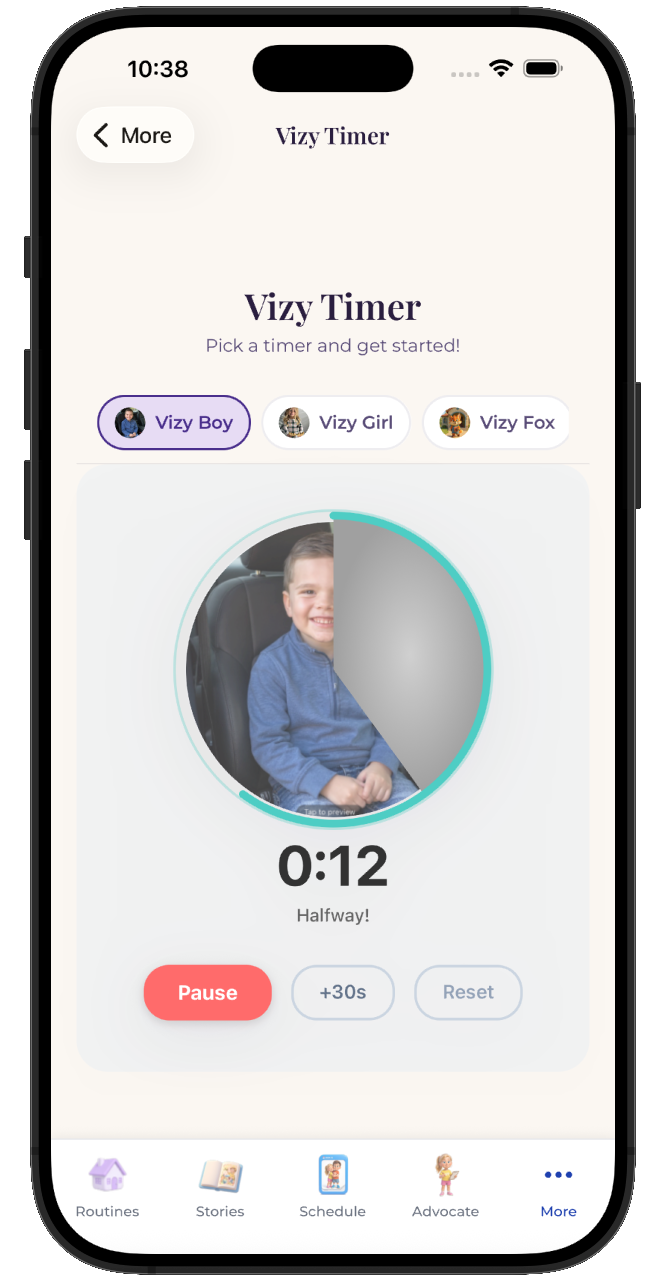
The Map Your Day lives inside the same routine your child already follows, so building a map for an AAC user is a step with a visible length rather than a separate tool somebody has to remember to open.
  • Attach it to any step in any routine
  • Works for pre-readers, gestalt language processors, and AAC users
  • Same setup at home, at school, and in therapy
See the step-by-step guide →
The VizyPlan Map Your Day set up for building a map for an AAC user

Set this up for your child.

Five minutes to build, and your child sees it every time building a map for an AAC user comes around.

$6.99/month after the free trial · Cancel anytime · Also at app.vizyplan.com

Common questions

About building a map for an AAC user

Will a visual schedule slow down AAC learning?
There is no good reason to expect it to, and aligning the vocabulary means the schedule reinforces the same words your child is learning to use.
Should the map be on the same device?
It depends on how your child accesses their communication system. If the device is their voice, competing for it is a real cost, and paper cards may be better.
Who should decide the vocabulary?
Your speech-language pathologist, with you. Aligning the map to an existing communication system is a conversation worth having at your next session.

VizyPlan supports routines and communication at home and school. It is not a medical device and does not diagnose or treat any condition. Talk to your child's care team about clinical questions.