Daily Routines

Ending Screen Time without the tablet becoming a battle.

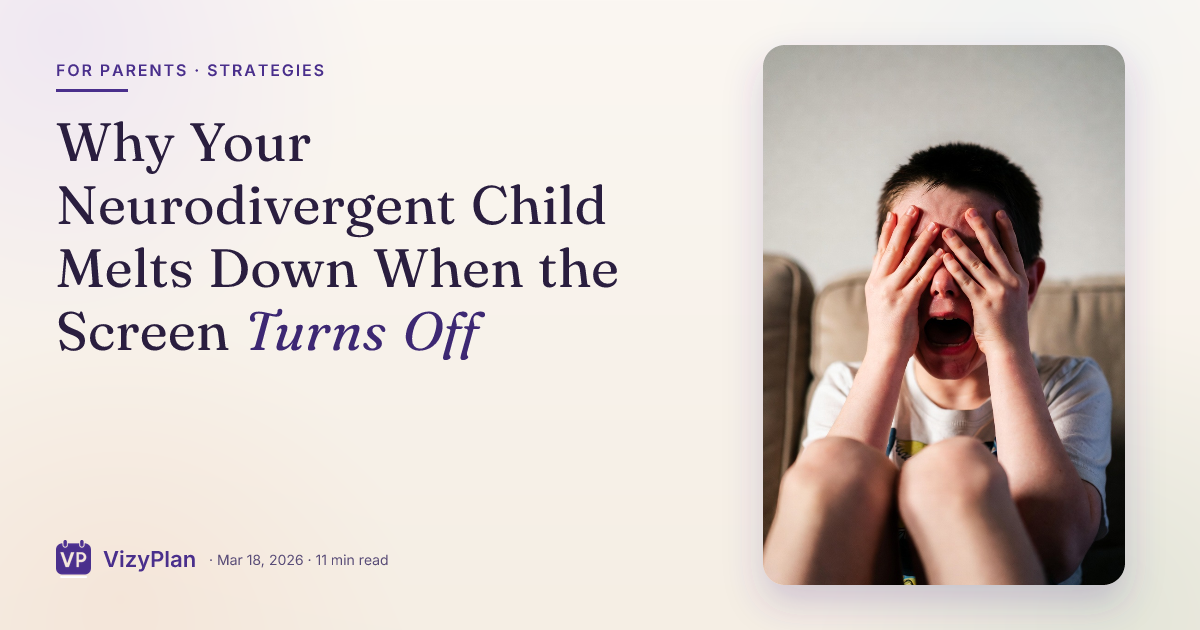
The tablet goes off and the day falls apart. You already know the meltdown is coming before you say the words, which makes you dread saying them.

Free 7-day trial · No email or credit card to start · Built by an autism dad and a licensed SLP

Why it helps

Why a visual schedule helps with ending screen time

Screens end without warning from a child's point of view, and the hyperfocus that makes them regulating also makes them hard to leave. A visual countdown plus a named next activity replaces a hard stop with a transition the brain can prepare for.

What usually goes wrong

  • Five more minutes means nothing when time passes invisibly.
  • Stopping mid-episode or mid-level feels like losing progress, not just stopping.
  • Nothing that comes after the screen sounds as good as the screen.

A picture-first schedule answers the same three questions every time: what is happening now, what happens next, and when it ends. Children who can see those answers stop needing to ask, and the prompting that usually falls to you moves onto the schedule instead.

The routine

What the schedule can look like

A starting point for turning off the screen. Use it as written, or cut it down to the steps your child actually needs. Fewer steps that get finished beat a complete list that stalls.

  1. 1 Agree on the stopping point before the screen goes on
  2. 2 Set the visual timer where your child can see it
  3. 3 Give a five minute warning
  4. 4 Give a one minute warning
  5. 5 Finish the level or episode
  6. 6 Your child presses the off button themselves
  7. 7 Move straight into the named next activity

Tip: keep the same order every time. The order is what your child learns, more than the individual steps.

How VizyPlan helps

A schedule your child is actually in.

Clip art shows a child. VizyPlan generates images of your child, doing the step, in a routine you built in a few minutes.

01 · Personalized

Every step, with their own face in it.

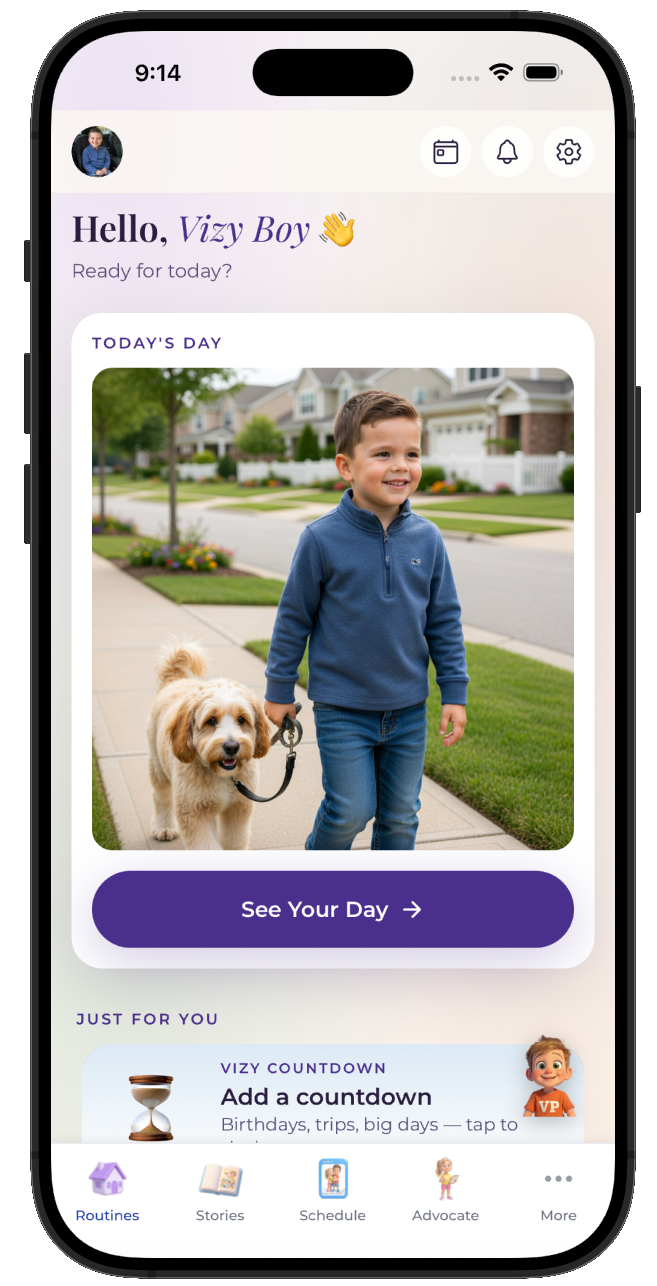
Add one reference photo and VizyPlan generates an image of your child doing each step of turning off the screen. Children attend longer to images of themselves than to generic icons, which is the whole reason the personalization exists.
  • Works for pre-readers, gestalt language processors, and AAC users
  • Reference photos are never used to train public AI models
  • Print any routine as picture cards for low-tech settings
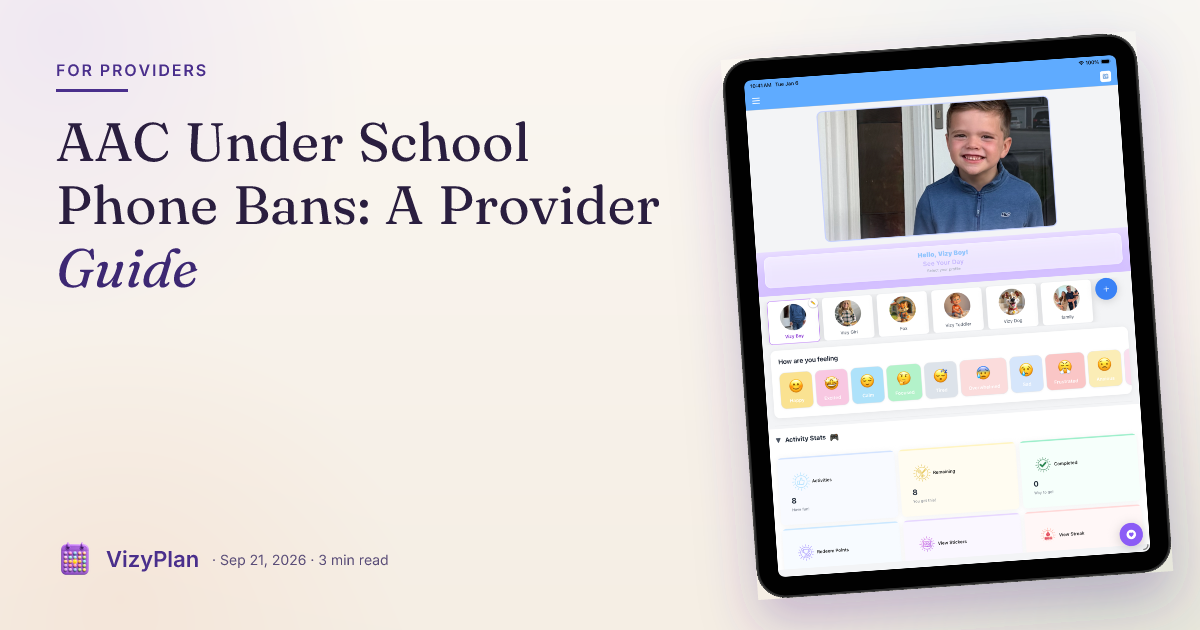
A VizyPlan visual schedule for turning off the screen
02 · Prepared

A social story before the moment hits.

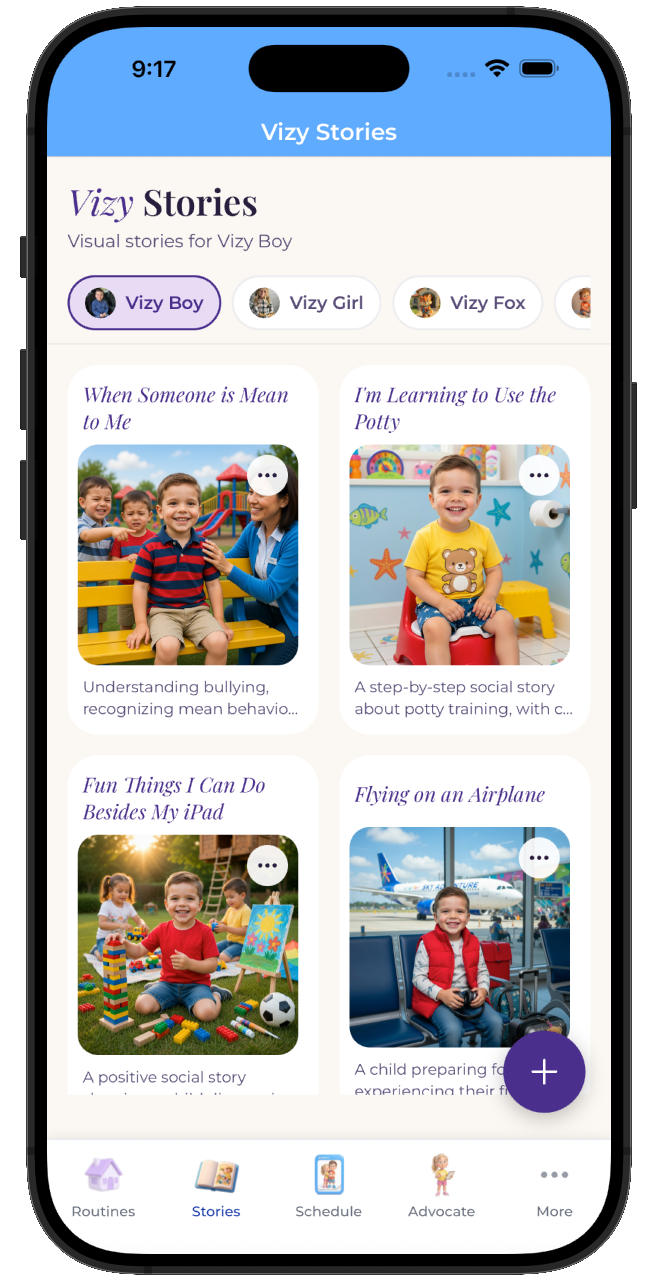
One tap turns turning off the screen into a picture-by-picture story your child reads at home, days before it happens. A child who has already seen it arrives prepared rather than surprised.
  • Read it as many times as your child wants beforehand
  • Share it with the other parent, a grandparent, or a provider
  • Edit any page so the story matches your actual plan
A personalized social story preparing a child for turning off the screen
03 · Regulated

Timers and calm tools one tap away.

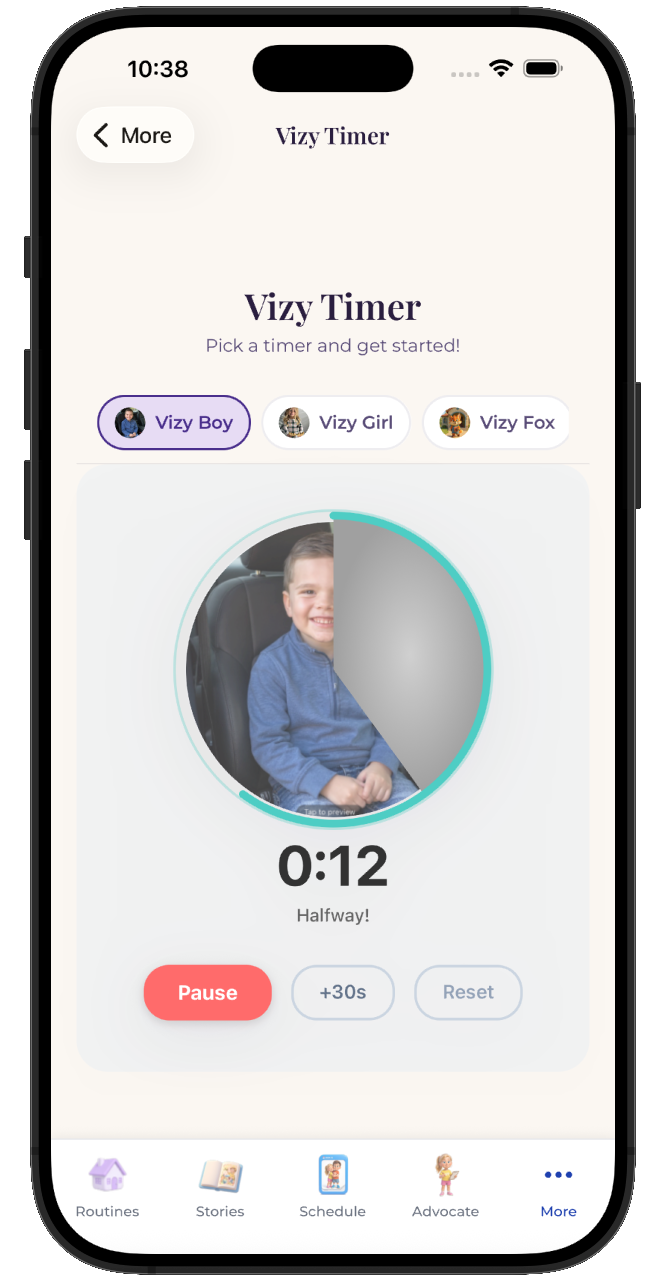
Most of the hard moments in turning off the screen are timing problems. A visual timer that depletes on screen makes the ending visible, and breathing and grounding tools are available from any screen when the plan goes sideways anyway.
  • Visual timers and countdowns for every step
  • Breathing, color, and grounding tools built in
  • Points and stickers for the steps your child finished
VizyPlan visual timer counting down a routine step

Make this schedule for your child.

Set up turning off the screen in about ten minutes, with images of your own child on every step.

$6.99/month after the free trial · Cancel anytime · Also at app.vizyplan.com

Common questions

About turning off the screen

Why is turning off the tablet so much harder than other transitions?
Screens deliver constant, predictable feedback that regulates a dysregulated nervous system, so leaving one means giving up regulation as well as fun. Naming what comes next, and making it something appealing, matters more here than in any other transition.
Does a visual timer really help with screen time?
A timer that depletes visually turns an abstract five minutes into something a child can watch. Many families find the countdown does more than the warning does, because the child is tracking the ending themselves.
Should my child turn the device off themselves?
Yes, whenever possible. Handing your child the last action shifts it from something done to them into something they did, which measurably lowers the fight in most households.

VizyPlan supports routines and communication at home and school. It is not a medical device and does not diagnose or treat any condition. Talk to your child's care team about clinical questions.