Vizy Timer

Ending Screen Time without the same fight every night.

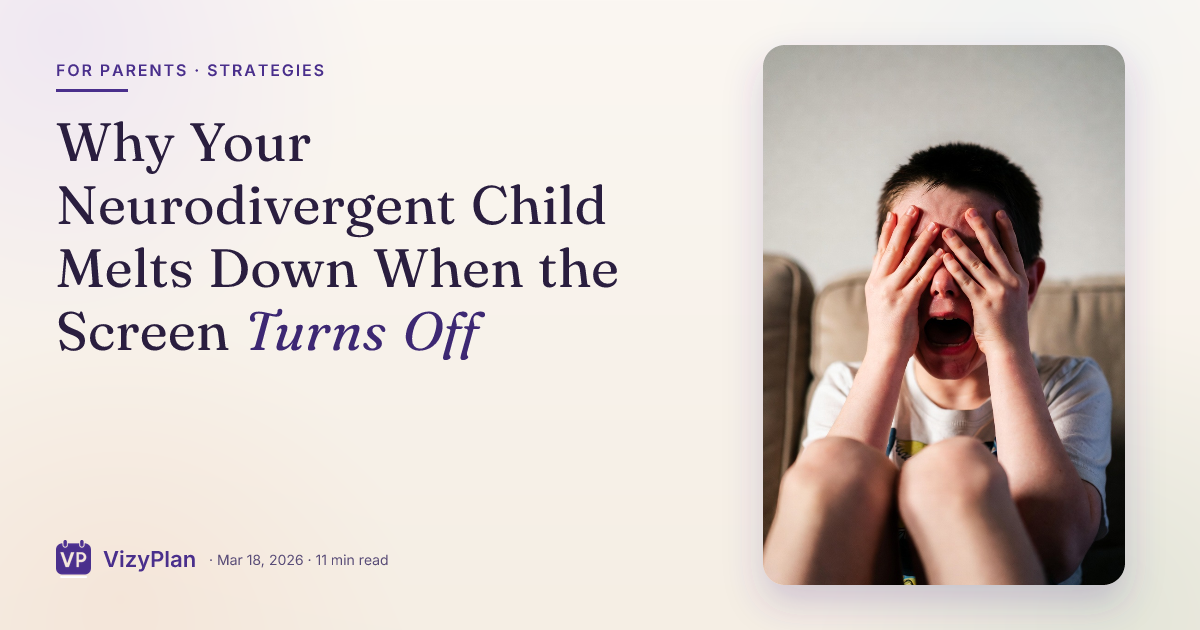
You said twenty minutes an hour ago. Now the tablet is coming out of their hands and the reaction is the size of a genuine loss, because to your child it is one.

Free 7-day trial · No email or credit card to start · Built by an autism dad and a licensed SLP

Why it works here

Why a visual timer helps with ending screen time

Screens remove almost every natural cue that time is passing. There is no chapter ending, no natural stopping point, and the content is engineered to erase the sense of duration. A visual timer puts the ending back into the room where your child can watch it approach instead of having it announced.

You will recognize this if

  • Every session ends in a negotiation, no matter what number you agreed on at the start.
  • Your child genuinely seems shocked that time is up, even though you gave two warnings.
  • You have started dreading handing over the tablet more than you dread the meltdown.
What the research says

Children and adolescents with ADHD perceive time less accurately than peers and tend to overestimate how long an interval lasted, which is why a child can be genuinely surprised that twenty minutes has gone.

Zheng, Wang, Chiu and Shum, Journal of Attention Disorders, 2022
The setup

How to set it up for ending screen time

Takes about five minutes. Use it as written, or keep only the steps your family needs. A short setup that gets used beats a complete one that gets abandoned in week two.

  1. 1 Agree the number before the device is unlocked, never after
  2. 2 Start the timer where your child can see it, not behind them
  3. 3 Say the plan once in a short sentence, then stop talking about it
  4. 4 Let the timer deliver the two-minute mark instead of your voice
  5. 5 Name what happens next, because ending is easier when something follows it
  6. 6 Hand over the device to a fixed spot, so putting it down is a routine rather than a loss
The mistake most families make

Adding minutes when the timer ends teaches your child that the timer is a negotiating position rather than a fact. If you want to give extra time, give it at the start.

In the app

Built into the routine, not bolted onto it.

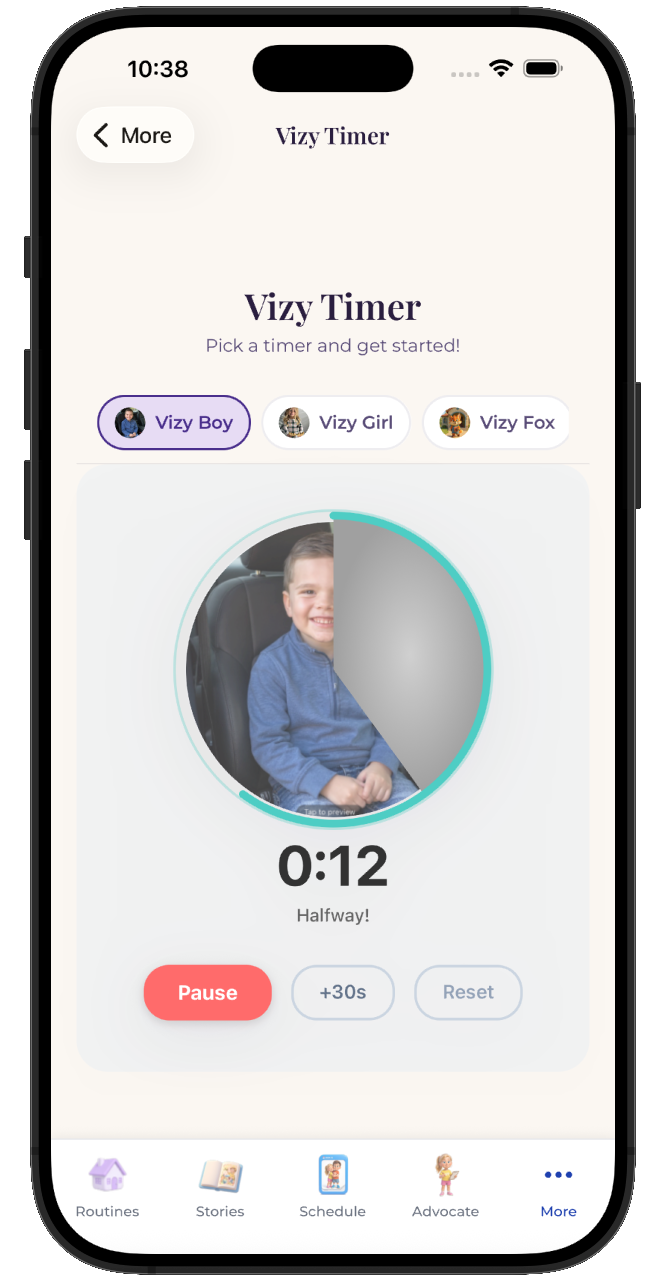
The Vizy Timer lives inside the same routine your child already follows, so ending screen time is a step with a visible length rather than a separate tool somebody has to remember to open.
  • Attach it to any step in any routine
  • Works for pre-readers, gestalt language processors, and AAC users
  • Same setup at home, at school, and in therapy
See the step-by-step guide →
The VizyPlan Vizy Timer set up for ending screen time

Set this up for your child.

Five minutes to build, and your child sees it every time ending screen time comes around.

$6.99/month after the free trial · Cancel anytime · Also at app.vizyplan.com

Common questions

About ending screen time

How long should screen time be for an autistic or ADHD child?
There is no single correct number, and the length matters less than the predictability. A consistent twenty minutes that always ends the same way is easier for a child to accept than a variable hour that ends when a parent runs out of patience.
What if my child melts down when the timer ends anyway?
Expect the first week to be worse rather than better, because you are changing a rule that used to be negotiable. What you are looking for is a shorter recovery each time, not an immediate calm ending.
Should the timer make a sound at the end?
That depends on your child. For a sound-sensitive child a loud alarm adds a sensory jolt to an already hard moment, so a silent visual finish with a calm spoken cue from you usually lands better.

VizyPlan supports routines and communication at home and school. It is not a medical device and does not diagnose or treat any condition. Talk to your child's care team about clinical questions.