

Social Situations

A Video Call With Family with a clear start and finish.

Grandma wants a video call. Your child wants to keep playing, and the fifteen minutes in between belongs to nobody.

Free 7-day trial · No email or credit card to start · Built by an autism dad and a licensed SLP

Why it helps

Why a visual schedule helps with a video call with family

Video calls have delayed audio, confusing turn taking, and no clear ending, all of which make them harder than in person conversation for many children. A short plan with a named length and a job to do makes the call finite and survivable.

What usually goes wrong

  • Audio lag makes conversational turn taking almost impossible.
  • The call has no visible ending, so it feels like it might go forever.
  • Watching yourself on screen is distracting and uncomfortable.

A picture-first schedule answers the same three questions every time: what is happening now, what happens next, and when it ends. Children who can see those answers stop needing to ask, and the prompting that usually falls to you moves onto the schedule instead.

The routine

What the schedule can look like

A starting point for a video call. Use it as written, or cut it down to the steps your child actually needs. Fewer steps that get finished beat a complete list that stalls.

  1. 1 Look at who is calling and for how long
  2. 2 Set the timer where your child can see it
  3. 3 Say hello
  4. 4 Show one thing you chose in advance
  5. 5 Answer two questions
  6. 6 Say the goodbye phrase
  7. 7 End the call and go back to what you were doing

Tip: keep the same order every time. The order is what your child learns, more than the individual steps.

How VizyPlan helps

A schedule your child is actually in.

Clip art shows a child. VizyPlan generates images of your child, doing the step, in a routine you built in a few minutes.

01 · Personalized

Every step, with their own face in it.

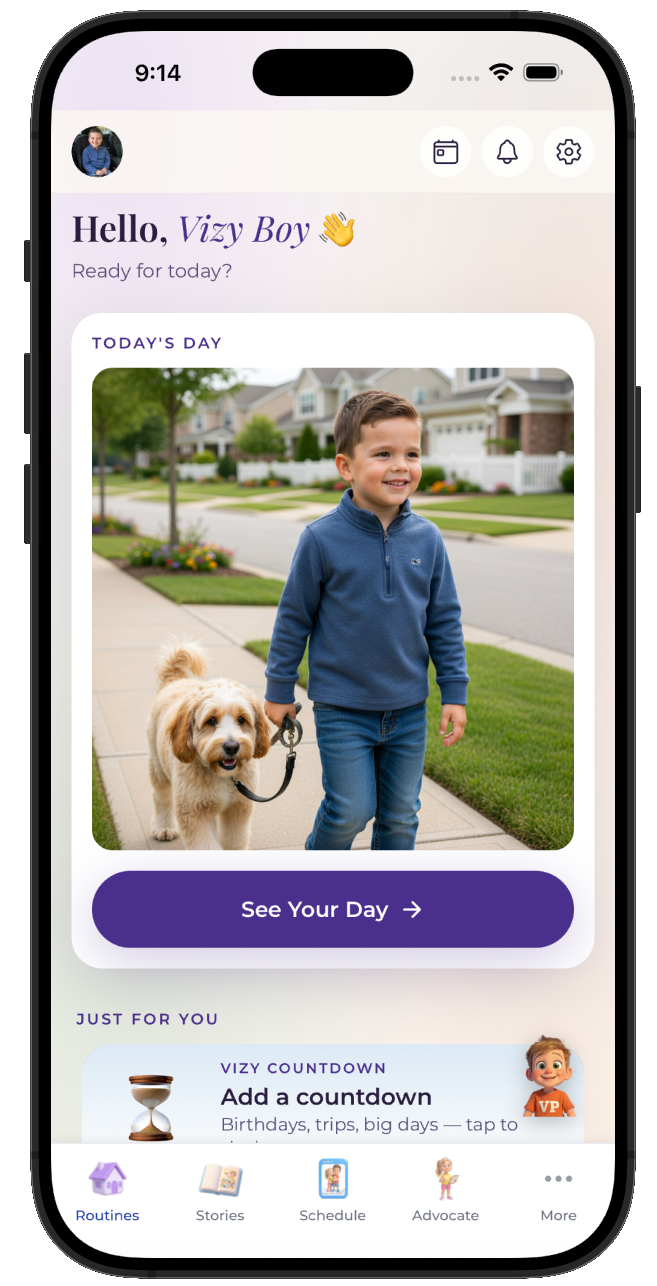
Add one reference photo and VizyPlan generates an image of your child doing each step of a video call. Children attend longer to images of themselves than to generic icons, which is the whole reason the personalization exists.
  • Works for pre-readers, gestalt language processors, and AAC users
  • Reference photos are never used to train public AI models
  • Print any routine as picture cards for low-tech settings
A VizyPlan visual schedule for a video call
02 · Prepared

A social story before the moment hits.

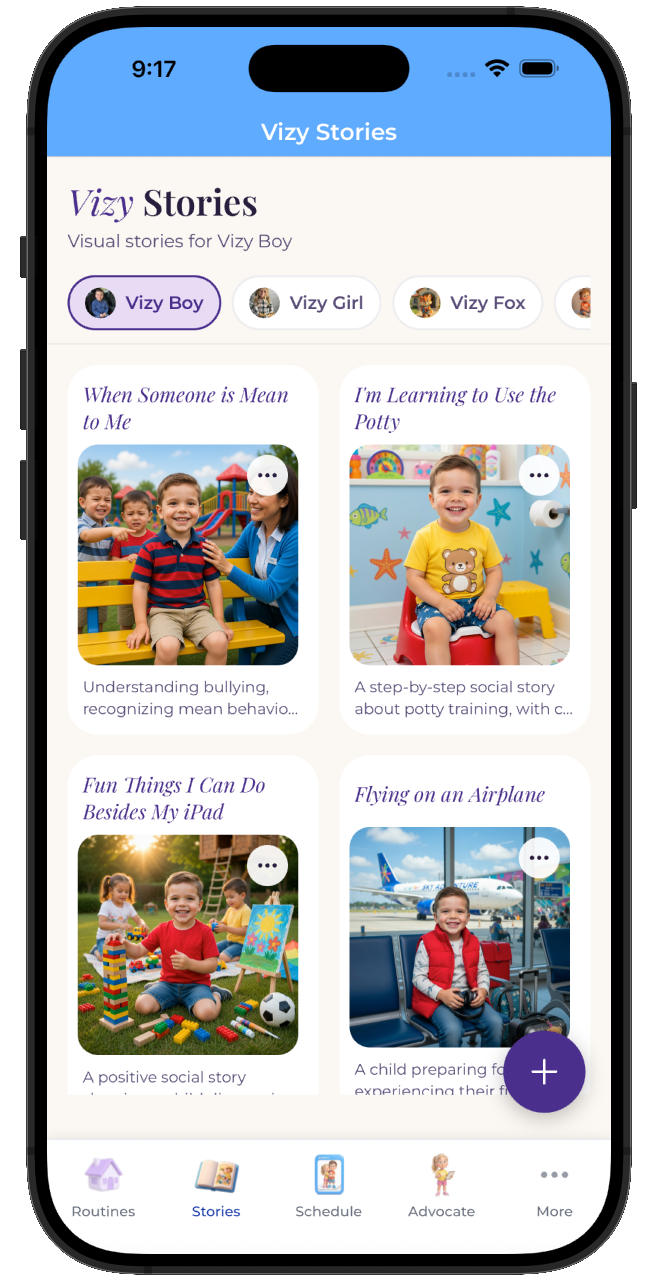
One tap turns a video call into a picture-by-picture story your child reads at home, days before it happens. A child who has already seen it arrives prepared rather than surprised.
  • Read it as many times as your child wants beforehand
  • Share it with the other parent, a grandparent, or a provider
  • Edit any page so the story matches your actual plan
A personalized social story preparing a child for a video call
03 · Regulated

Timers and calm tools one tap away.

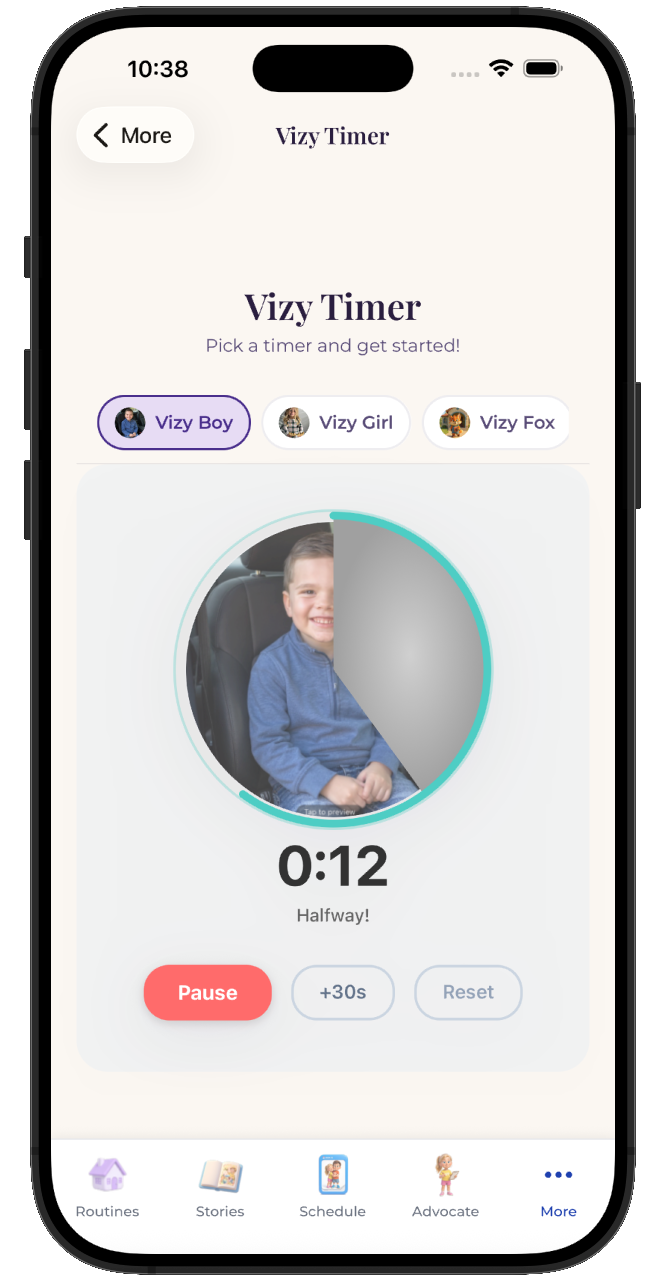
Most of the hard moments in a video call are timing problems. A visual timer that depletes on screen makes the ending visible, and breathing and grounding tools are available from any screen when the plan goes sideways anyway.
  • Visual timers and countdowns for every step
  • Breathing, color, and grounding tools built in
  • Points and stickers for the steps your child finished
VizyPlan visual timer counting down a routine step

Make this schedule for your child.

Set up a video call in about ten minutes, with images of your own child on every step.

$6.99/month after the free trial · Cancel anytime · Also at app.vizyplan.com

Common questions

About a video call

How long should a video call with a child be?
Five to ten minutes is plenty for most children, and shorter successful calls make the relatives happier than long strained ones. Show the length on a timer so the ending is visible.
What if my child will not talk on the call?
Give them a job instead of a conversation, such as showing a drawing or a toy. Presence with an activity beats forced conversation for both sides.
How do I explain to relatives why calls are hard?
Tell them the call will be short and that showing something works better than asking questions. Relatives usually adapt easily once they know what actually helps.

VizyPlan supports routines and communication at home and school. It is not a medical device and does not diagnose or treat any condition. Talk to your child's care team about clinical questions.